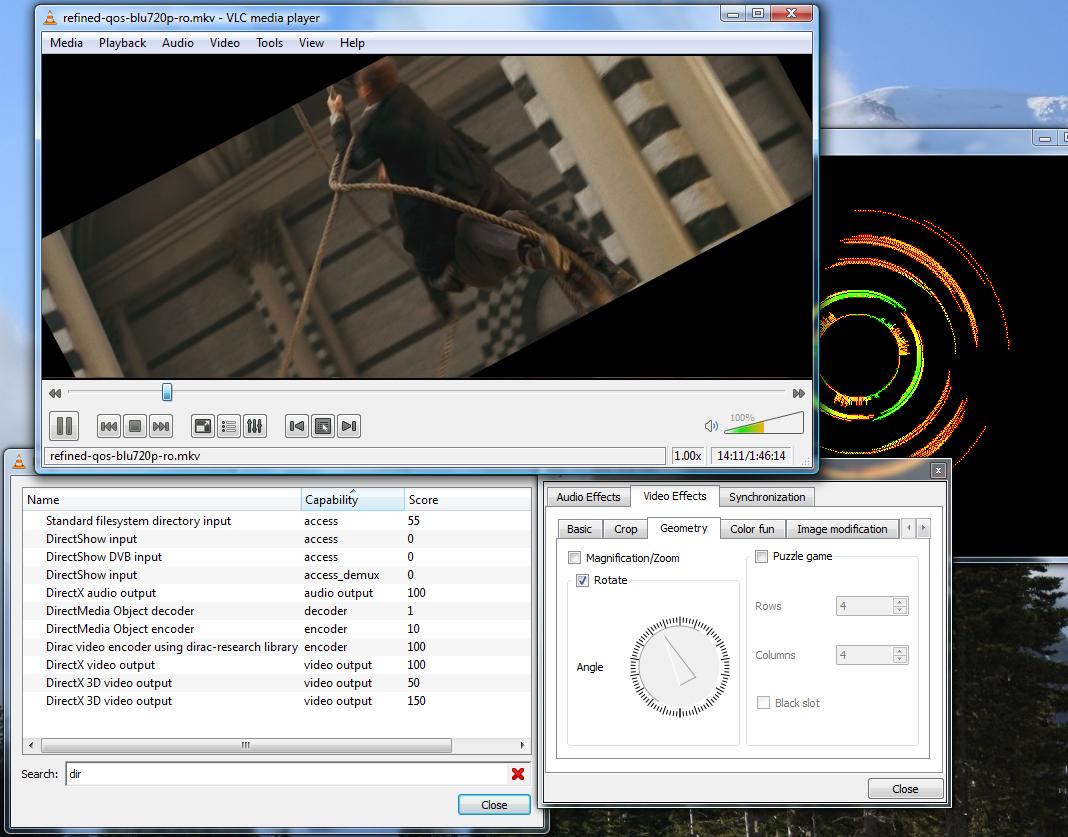
TL;DR: VLC 3.0.23 for Windows — two versions: 64-bit (recommended) and 32-bit. Works on Windows 7, 8, 10, 11. Free, no ads, no spyware.
Download VLC for Windows
Version 3.0.23 • Windows 7 / 8 / 10 / 11
 ⬇ Download 64-bit (Recommended)
| Version | 3.0.23 |
| Platform | Windows 7, 8, 10, 11 (32-bit and 64-bit) |
| File (64-bit) | vlc-3.0.23-win64.exe |
| File (32-bit) | vlc-3.0.23-win32.exe |
| License | Free / Open Source (LGPL/GPL) |
| Developer | VideoLAN |
Which version to download?
If you are running Windows 10 or Windows 11 on a modern PC, download the 64-bit version. If you are unsure or running an older system, use the 32-bit version — it works on both 32-bit and 64-bit Windows.
There is also a Windows ARM64 version for Surface Pro X and other ARM-based Windows devices.
How to Install VLC on Windows
- Click the Download button above
- Run the downloaded .exe file
- Click Yes if Windows asks for permission
- Choose your language and click Next
- Keep default settings and click Install
- Click Finish — VLC is ready to use